An independent magazine about church websites: design, accessibility, tools and content for the teams that keep them.
Church websites, reviewed for the teams that run them
Church Website Design and Accessibility: what belongs on a home page, accessibility that includes every member, tools and hosting priced honestly, and writing that newcomers actually read.
Start with the home page checklistOpen the accessibility guides

Start with the sections
Four shelves of the magazine
Design, accessibility, tools and content. Each section opens with an index of its guides, written to be applied the same week it is read.
 01
01Design and Home Pages
What belongs on the page, which habits to remove, and how to rebuild the whole site without losing the addresses.
 02
02Accessibility
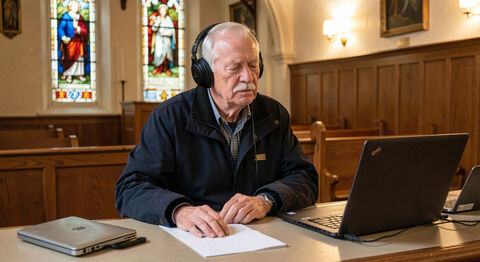
The site works for blind, deaf, color blind and older members, in structure and in media, not only in intent.
 03
03Tools, Hosting and Giving
Platforms, hosting, streaming and giving: the decisions, the costs, and the exits nobody asks about.
 04
04Writing and Local Search
Writing pages newcomers read, being found in local search, and the small team routines that keep both alive.
Section 1 of 4
Design and Home Pages
What belongs on the page, which habits to remove, and how to rebuild the whole site without losing the addresses.
Design and Home Pages
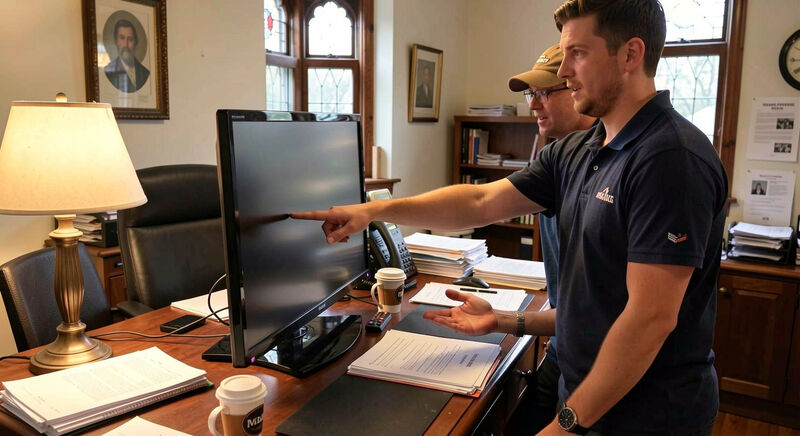
What Belongs on a Church Home Page
A working checklist for church home pages: service times above the fold, a newcomer path, one clear call to action, readable text and fast photos.
Times, address, newcomer path: the first screen.
Design and Home Pages
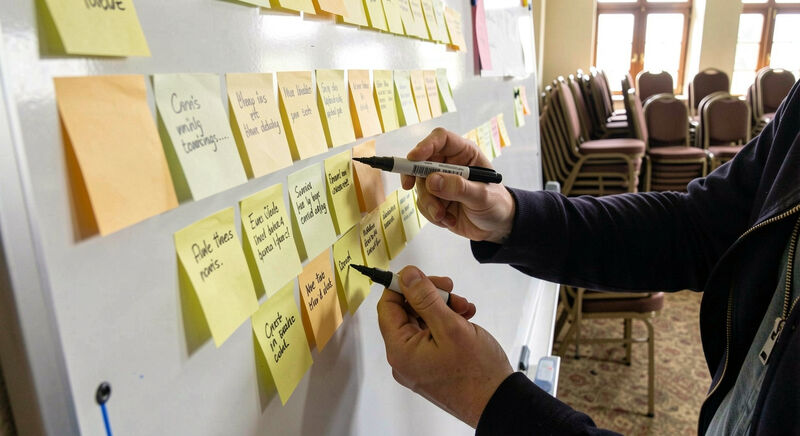
Church Website Design Dos and Don'ts
The habits that help a church site and the ones that hurt it: autoplay music, splash screens, walls of announcements, low contrast and slow sliders.
The oldest enemies: autoplay, splash screens, sliders.
Design and Home Pages
Planning a Church Website Makeover
Run a church website redesign in calm stages: inventory the old pages, keep the addresses that carry traffic, test with real visitors, then switch.
Eight stages from inventory to launch checks.
From the archive
Guides that keep their historical addresses
This domain published one of the early church webmaster resources, with design checklists and an accessibility library. These guides answer the same questions, at four of the addresses those pages held.
Restored address
What Belongs on a Church Home Page
Times, address, newcomer path: the first screen.
Restored address
Church Website Design Dos and Don'ts
The oldest enemies: autoplay, splash screens, sliders.
Restored address
Planning a Church Website Makeover
Eight stages from inventory to launch checks.
Restored address
Church Website Accessibility
Four audiences the standard protects at once.
Section 2 of 4
Accessibility
The site works for blind, deaf, color blind and older members, in structure and in media, not only in intent.
Accessibility
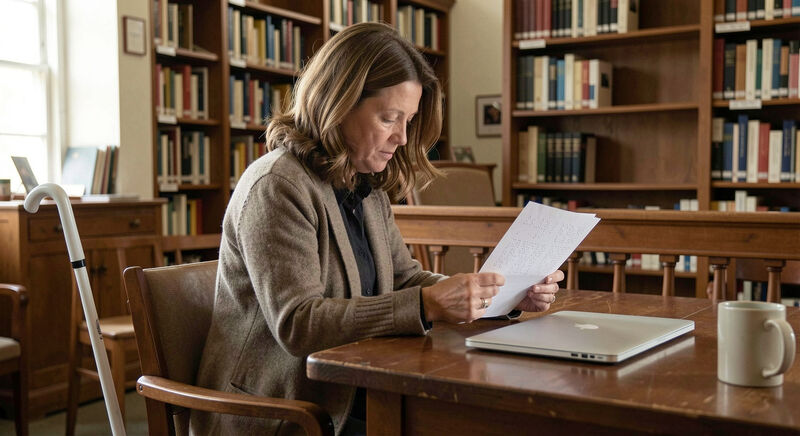
Blind and Low Vision Visitors
Make a church website work with screen readers and zoom: real text, labeled images and forms, headings in order, and audio alternatives for print.
Structure is the interface a screen reader walks.
Accessibility
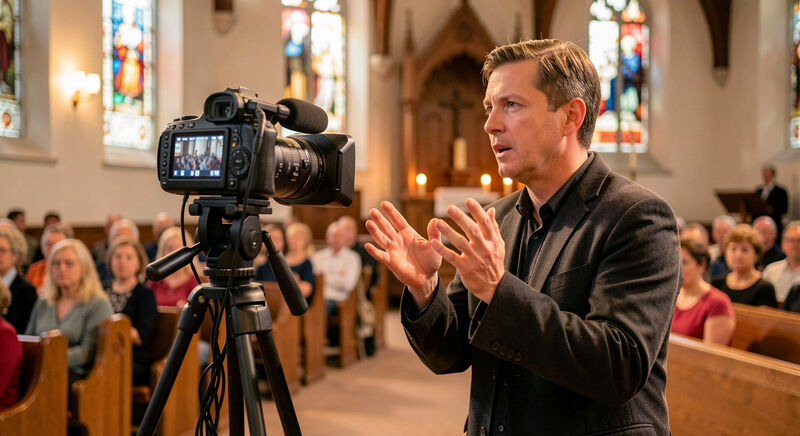
Deaf and Hard of Hearing Visitors
Serve deaf members online: captions on every sermon video, transcripts for podcasts, text contact paths, and sign language clips where possible.
Captions corrected, transcripts published.
Accessibility
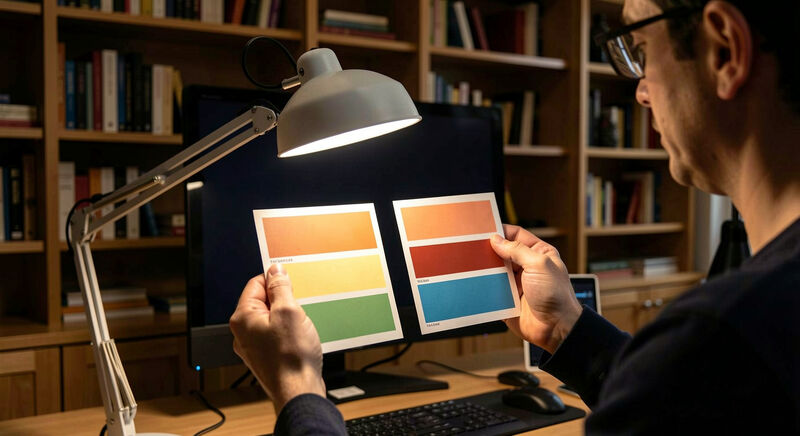
Color Blind Visitors
One in twelve men reads color differently: check contrast, never use color alone to carry meaning, and test the palette with a simulator.
One man in twelve reads the palette differently.
Accessibility
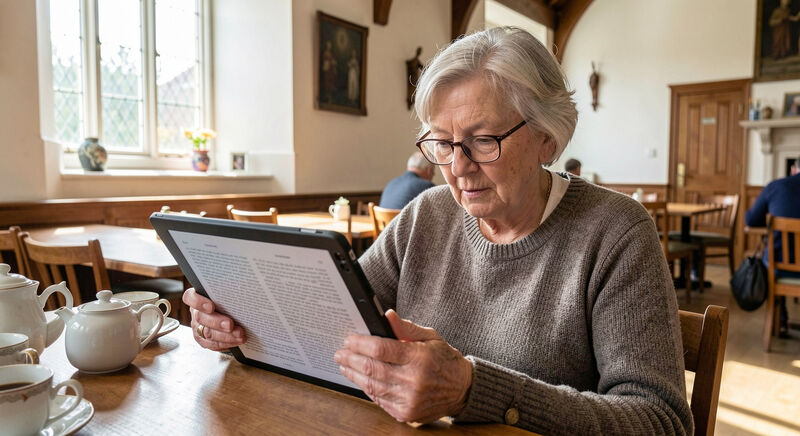
Older Members and the Church Site
Older members are the heaviest users of many church sites: larger clear text, calm pages, no autoplay, simple menus and patient contact paths.
Heaviest users, quietest complaints.
Recent guides
The latest from all four sections
New guides are published in batches and revised in place. The most recent six, from writing and local search to giving and streaming.
Writing and Local Search
Writing for Church Websites
Write church pages people actually read: short lines, plain words, a What to Expect page that answers nerves, dates that stay current, scannable sermons.
Answer the scanner in the first sentence.

Writing and Local Search
How Newcomers Find a Church
Be findable when someone searches churches near me: a claimed business profile, matching name and address, service times in text, and reviews answered.
The map listing answers before the site loads.
Tools, Hosting and Giving
Online Giving for Church Websites
Set up online giving that members trust: one clear page, fees explained, recurring gifts, receipt records, and links that survive a platform change.
A quiet page, honest fees, receipts that last.
Tools, Hosting and Giving
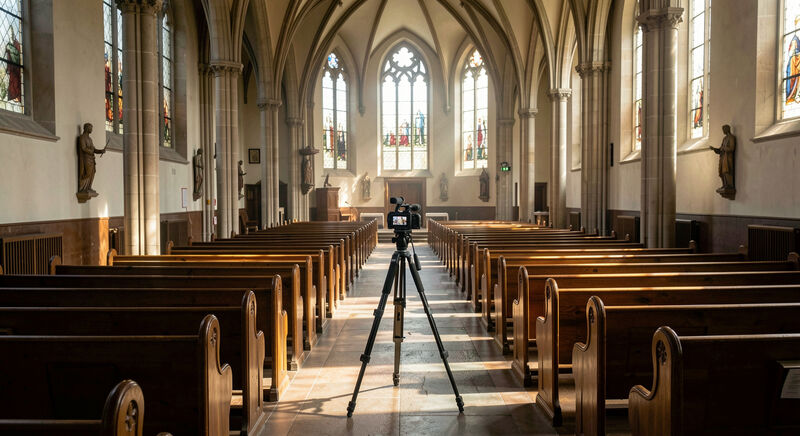
Live Streaming Church Services
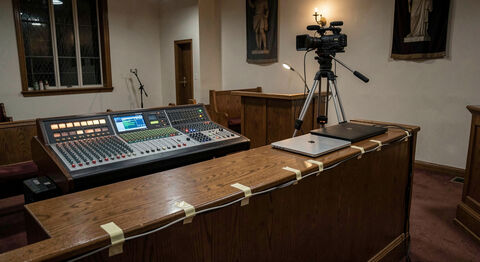
Stream a Sunday service with what the church already owns: one camera, clean audio from the desk, a stable link, and an archive that stays findable.
Sound from the desk before any camera.
Accessibility
Older Members and the Church Site
Older members are the heaviest users of many church sites: larger clear text, calm pages, no autoplay, simple menus and patient contact paths.
Heaviest users, quietest complaints.
Tools, Hosting and Giving
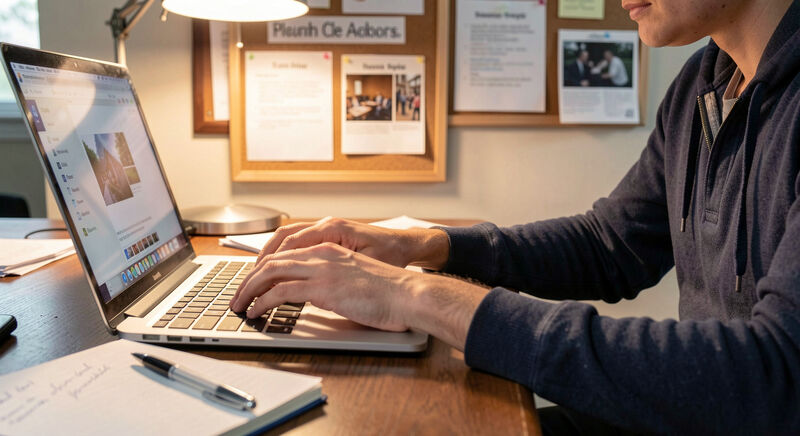
Choosing a Church Website CMS
How a church team should choose its CMS: who edits, what it must publish, sermon media, giving links, costs, and the exit question nobody asks.
Who edits on Tuesday night decides the platform.
Section 3 of 4
Tools, Hosting and Giving
Platforms, hosting, streaming and giving: the decisions, the costs, and the exits nobody asks about.
Tools, Hosting and Giving
Choosing a Church Website CMS
How a church team should choose its CMS: who edits, what it must publish, sermon media, giving links, costs, and the exit question nobody asks.
Who edits on Tuesday night decides the platform.
Tools, Hosting and Giving
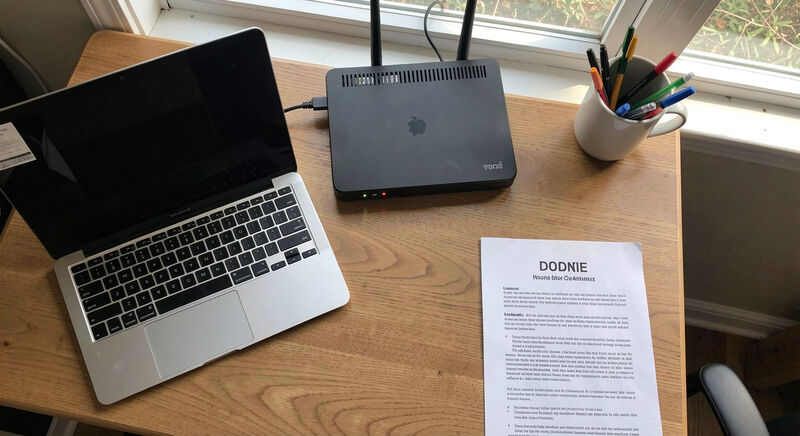
Church Website Hosting Choices
What church hosting money buys: uptime, backups, speed, support that answers, email on the domain, and the real monthly cost of a free looking site.
Uptime, backups, and the renewal price.
Tools, Hosting and Giving
Live Streaming Church Services
Stream a Sunday service with what the church already owns: one camera, clean audio from the desk, a stable link, and an archive that stays findable.
Sound from the desk before any camera.
Tools, Hosting and Giving
Online Giving for Church Websites
Set up online giving that members trust: one clear page, fees explained, recurring gifts, receipt records, and links that survive a platform change.
A quiet page, honest fees, receipts that last.
Section 4 of 4
Writing and Local Search
Writing pages newcomers read, being found in local search, and the small team routines that keep both alive.
Writing and Local Search
Writing for Church Websites
Write church pages people actually read: short lines, plain words, a What to Expect page that answers nerves, dates that stay current, scannable sermons.
Answer the scanner in the first sentence.
Writing and Local Search
How Newcomers Find a Church
Be findable when someone searches churches near me: a claimed business profile, matching name and address, service times in text, and reviews answered.
The map listing answers before the site loads.
Why this magazine exists
A front door that opens for everyone
A church website is the front door its members meet on Saturday night and its newcomers meet first of all. The Church Web Review keeps the craft plain: restrained design, honest structure, access for the members the web builds against, and words that answer the question actually asked.